

About FL Pink on Colored Stock
Printing fluorescent pink on colored stock presents a unique challenge. Without a white ink base layer, the cobalt blue substrate would show through and dramatically alter the appearance of the FL Pink 2 ink, resulting in a muddy, desaturated color.
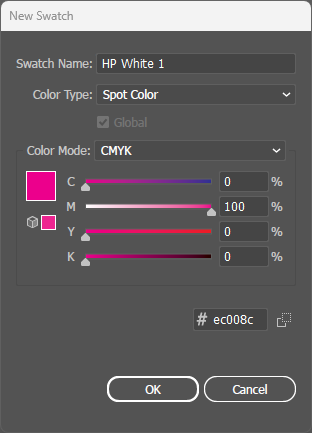
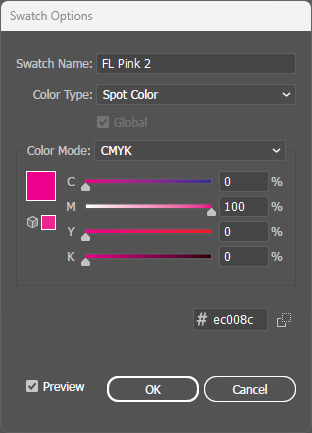
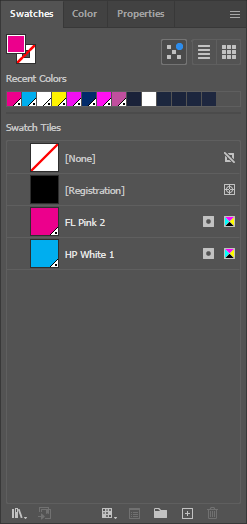
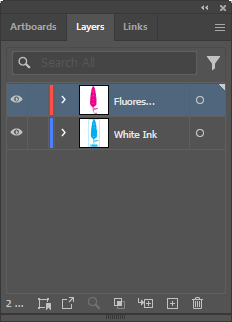
The solution is a two-layer approach: HP White 1 prints first, creating an opaque white foundation. FL Pink 2 then prints on top of this sealed surface, achieving the same brilliant, eye-catching fluorescent pink you'd expect on white paper.
Why Colored Stock?
If fluorescent pink needs a white base to survive on cobalt blue, you might ask why we don't print it on white paper and skip the extra layer. Sometimes the paper is the design.
A colored stock brings a color no ink can print, edge to edge, with the feel of a real cover paper. White ink is what lets bright colors sit on top of it, just as it does for any other bright color on dark paper. And the contrast works in pink's favor: fluorescent pink wants to be the star, and a dark background makes it glow.
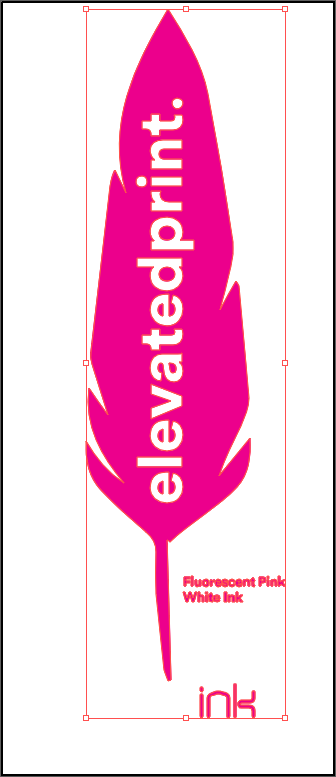
The honest caveat: white ink changes how the fluorescent pigment behaves. Put this feather beside the FL Pink sample on white paper and you'll see it; fluorescent ink on white paper is more striking than fluorescent ink on white ink. We always test on anything darker than cream, and because no screen or digital proof can show fluorescent color, a hard copy proof is the only reliable preview.
Best Practices
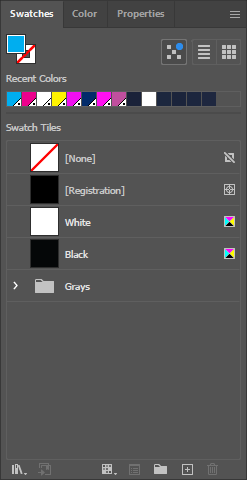
- Two spot colors required: This technique uses HP White 1 (base) and FL Pink 2 (top). Both must be created as separate spot colors.
- White ink coverage: The HP White 1 layer should match or slightly exceed the FL Pink 2 coverage area to ensure complete opacity.
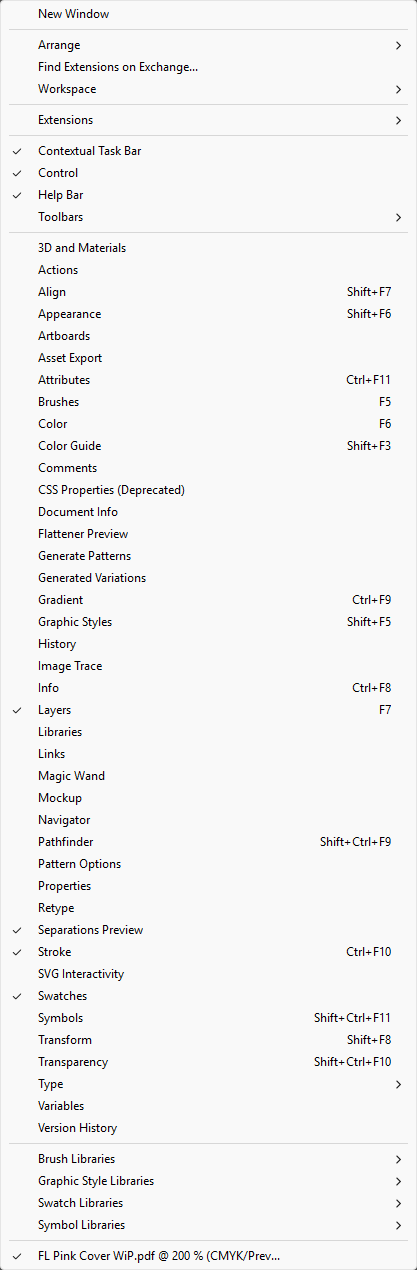
- Overprint both spot colors: Critical! Both HP White 1 AND FL Pink 2 must have Overprint Fill enabled in the Attributes panel.
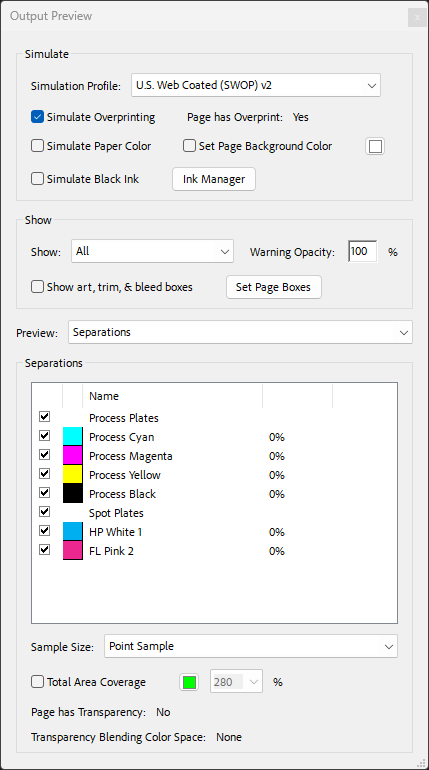
- Verify separations: In PDF Output Preview, confirm you see both HP White 1 and FL Pink 2 listed under Spot Plates alongside CMYK.