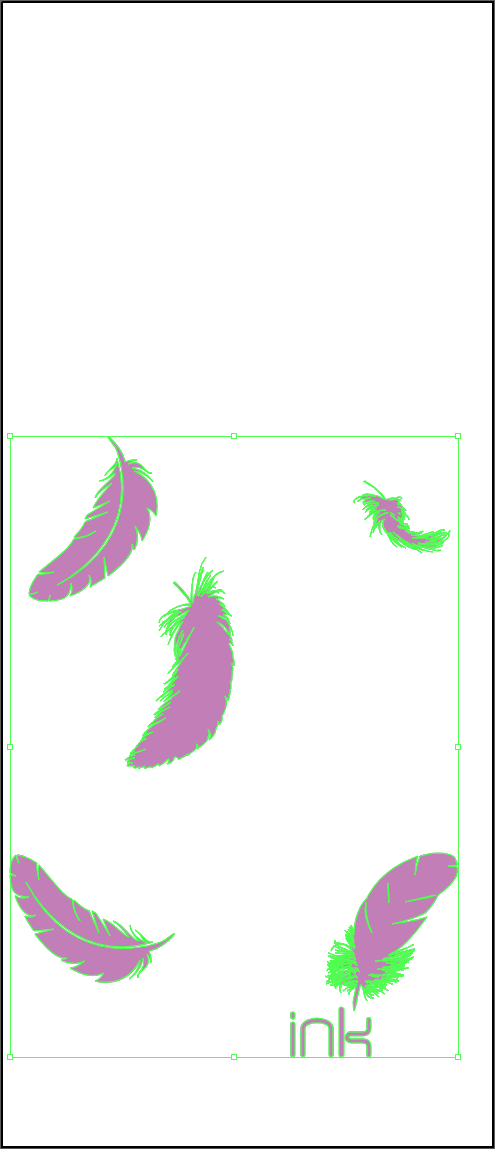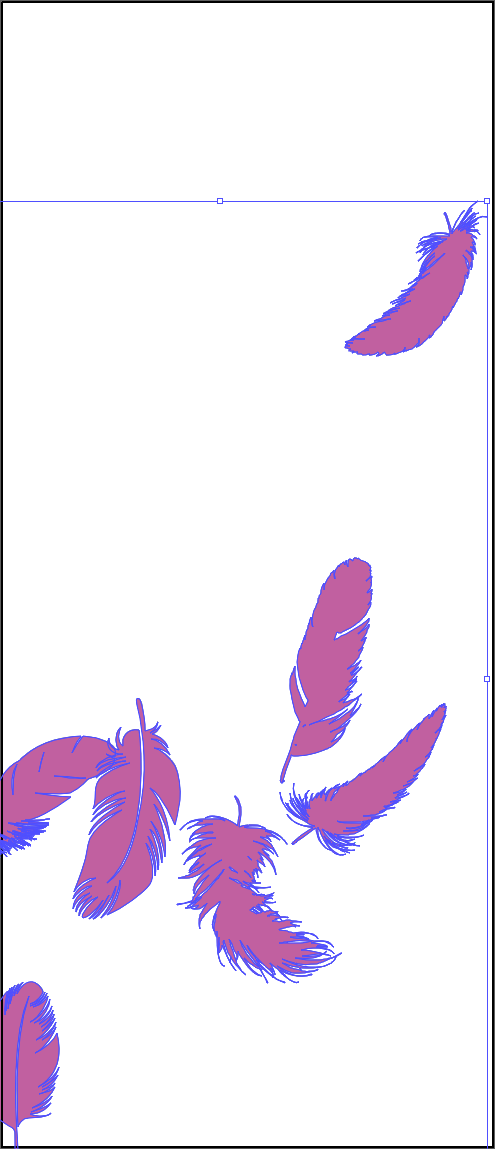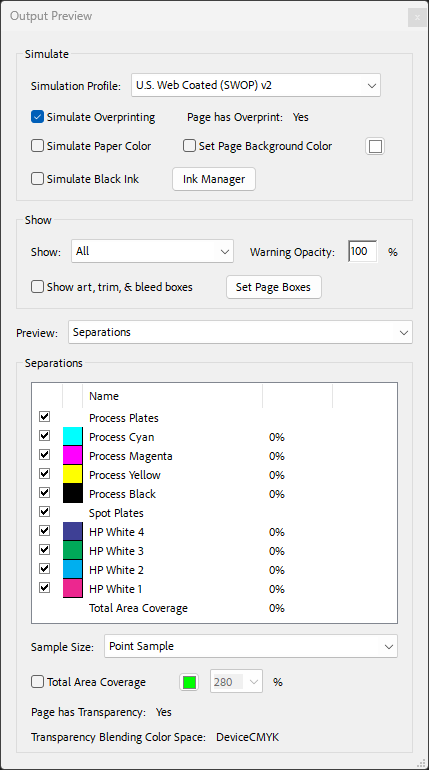




About White Ink Opacity Variations
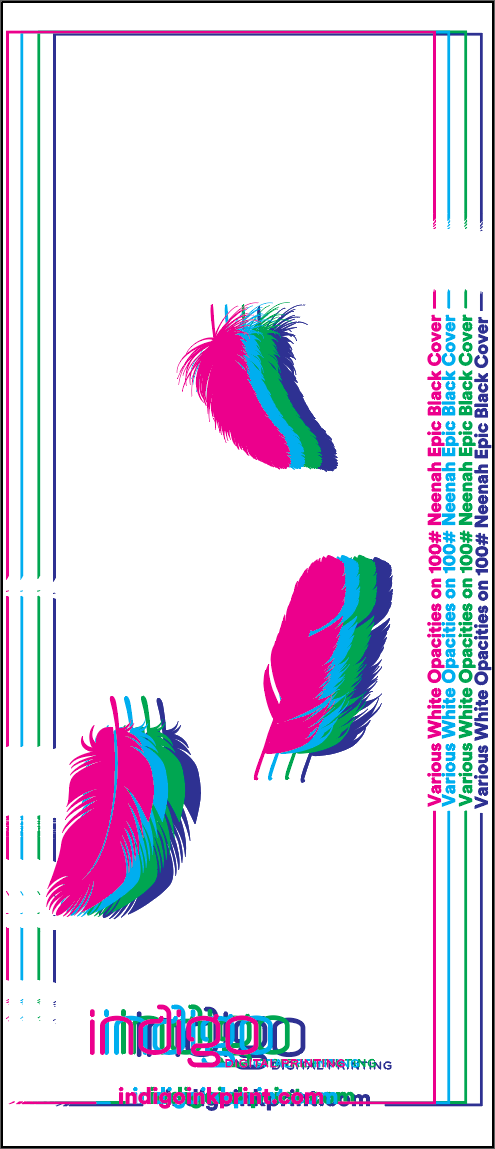
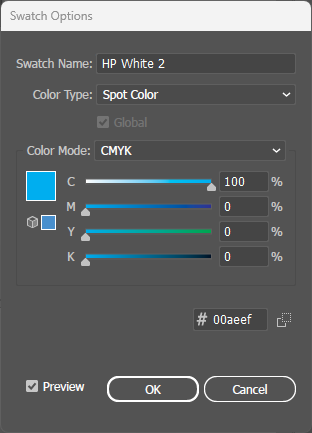
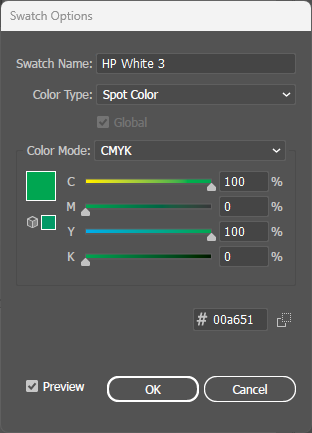
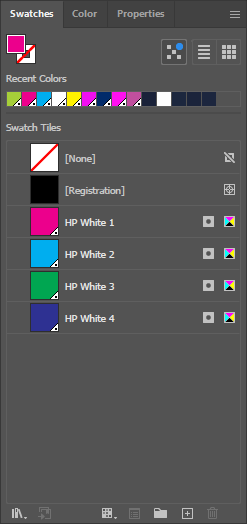
While basic white ink printing uses a single pass (HP White 1), the HP Indigo press supports up to four white ink channels: HP White 1, 2, 3, and 4. Each channel can carry any opacity value from 0-100% at each pixel, and the coverage is additive across all layers.
This means designers can achieve any total coverage from 0% to 400%. For example, 180% coverage could be achieved with HP White 1 at 100% plus HP White 2 at 80%, or any other combination that adds up to the desired value.
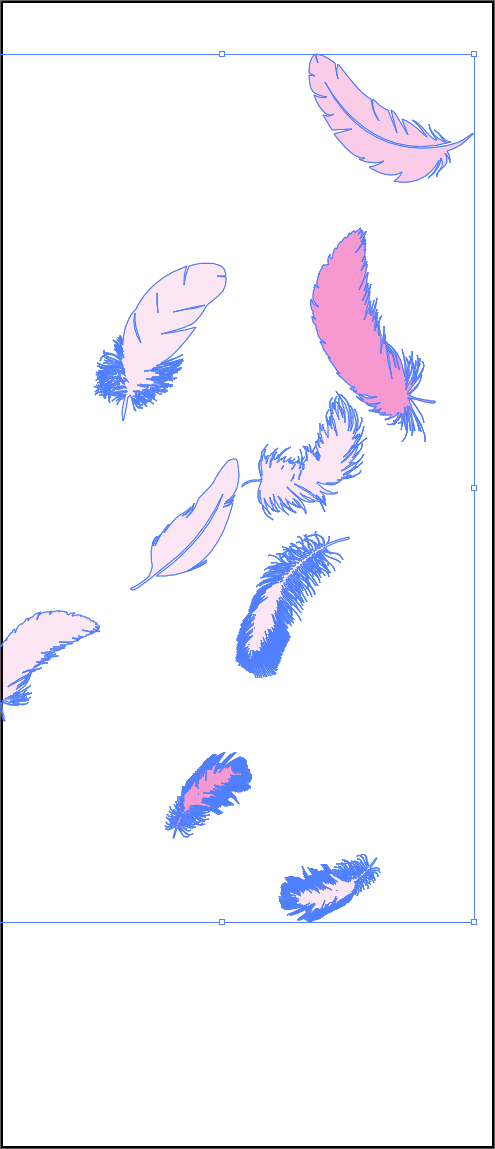
This technique enables smooth gradients, photographic tones, and precise opacity control on dark substrates—effects impossible with single-pass white ink.
Why Four White Channels?
If white ink can print at any opacity, you might wonder why we don't simply lower the percentage on HP White 1. It comes down to how white is printed.
One layer of white doesn't look truly white, so HP White 1 is hit four times to reach full opacity. Those hits are additive: set HP White 1 to 10% and all four land in the same place, so it looks closer to 40% opaque. Targeting a precise level that way is guesswork. Splitting the white into HP White 1, 2, 3 and 4, each hit once, puts every layer's share under your control, so you can target a specific brightness by stacking values across the four.
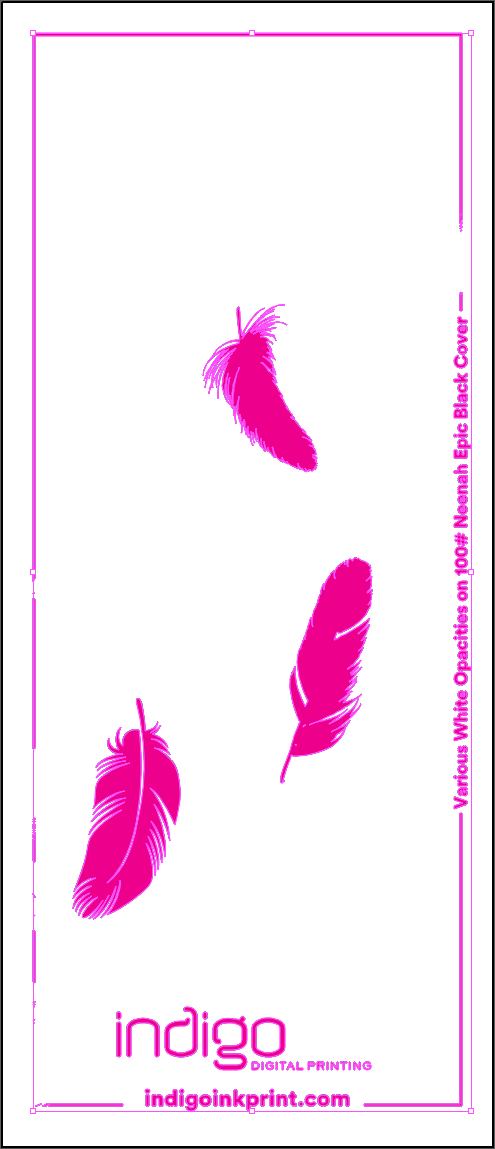
One thing to plan for: beyond about 225% total coverage, it becomes difficult to see any difference. Keep your contrasting elements below that range. The Opacity Inspector further down this page reads the coverage this feather uses, pixel by pixel.
Best Practices
- Artwork organization: Group artwork elements by their target opacity level before applying spot colors. This makes file management easier.
- Layer distribution: Use fewer layers with higher values for simpler files, or more layers with lower values for smoother gradients.
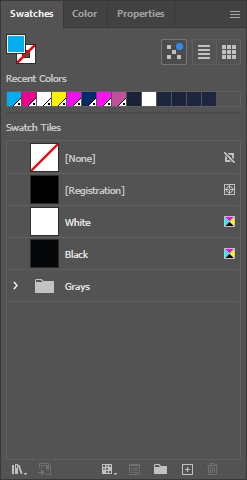
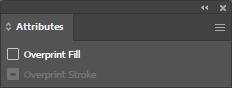
- Overprint required: All four HP White spot colors must have Overprint Fill enabled in the Attributes panel. Without overprint, white ink areas will knock out underlying layers.
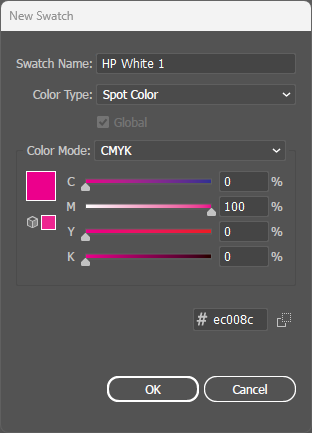
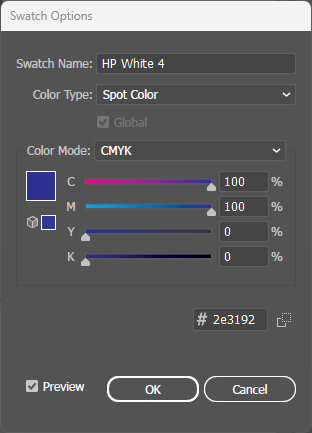
- Naming convention: Spot colors must be named exactly "HP White 1", "HP White 2", "HP White 3", and "HP White 4" (case-sensitive) for the press to recognize them.
Videos
File Setup
Interactive Demo
Hover over the artwork to see real-time pixel-level coverage readings for each HP White layer (0-400% total).