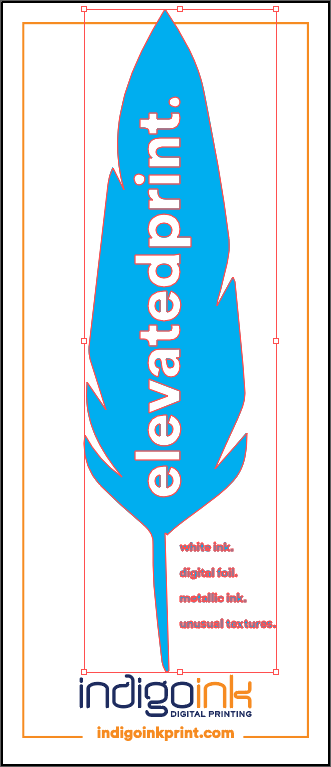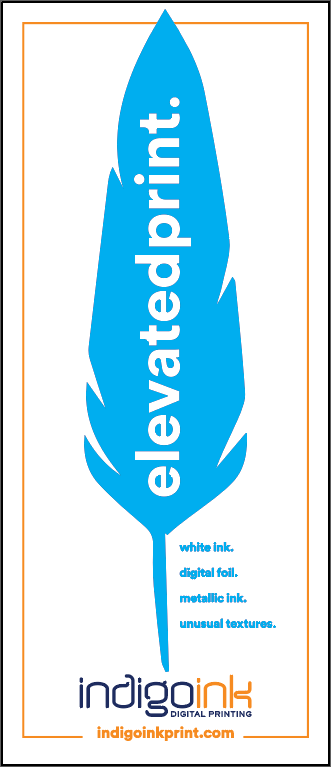



About Metallic Ink on Uncoated Stock
Uncoated paper stocks like Mohawk Superfine have an absorbent surface that can dull metallic inks. The paper fibers act like tiny sponges, pulling the metallic particles down into the surface rather than allowing them to lay flat for maximum reflectivity.
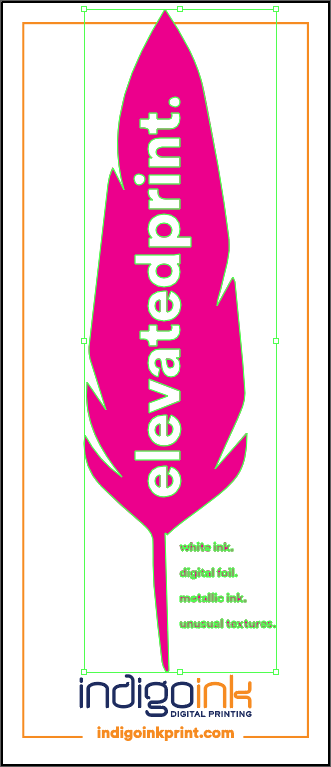
The solution is a white ink primer layer. HP White 1 prints first, creating a smooth, sealed surface on top of the paper fibers. The metallic ink then prints onto this primed surface, achieving the same brilliant shimmer you'd expect on coated stock while maintaining the tactile appeal of uncoated paper.
Why Uncoated Stock?
If metallic ink needs a white primer to work on uncoated paper, you might ask why we don't just print on coated stock. Because on uncoated paper the metallic behaves differently, and that difference is the point.
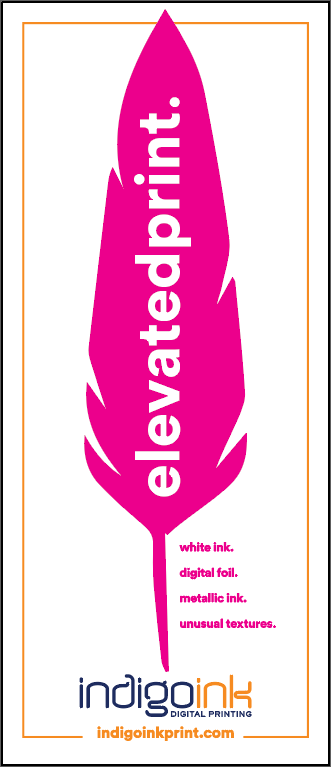
On silk or gloss, metallic ink looks smooth and uniformly shiny. On an uncoated stock like this Superfine Eggshell, it takes on an almost sparkly look that brings out the texture of the paper. Our Rains of Terror sample shows how far apart the two can be: the same artwork on silk and on felt cover. The primer is what makes the uncoated version work. If you've ever patched drywall, the idea is familiar: the white ink fills the paper's grain so the silver sits on a smooth surface instead of sinking in.
It does add a spot color and a step to the print order: white, then silver, then CMYK. The white layer is an exact duplicate of the metallic channel and isn't used anywhere else, and it's needed on colored uncoated stock as well as white. If you're unsure how a textured paper will suit your design, ask us for a concept proof before you commit.
Best Practices
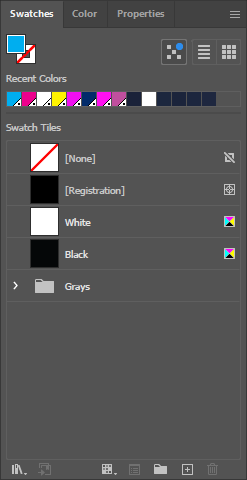
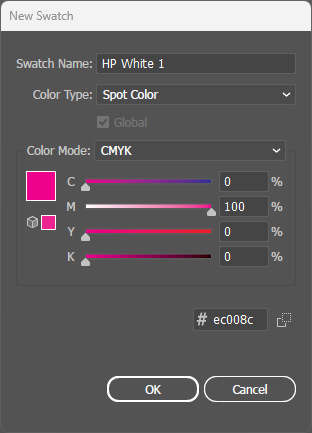
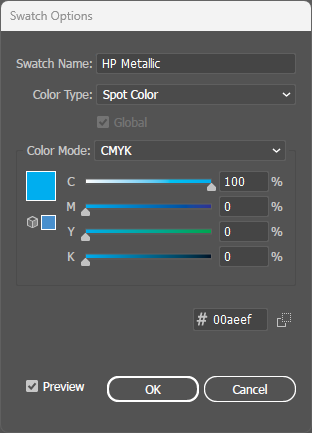
- Two spot colors required: This technique uses both HP White 1 (primer) and HP Metallic. Both must be created as separate spot colors.
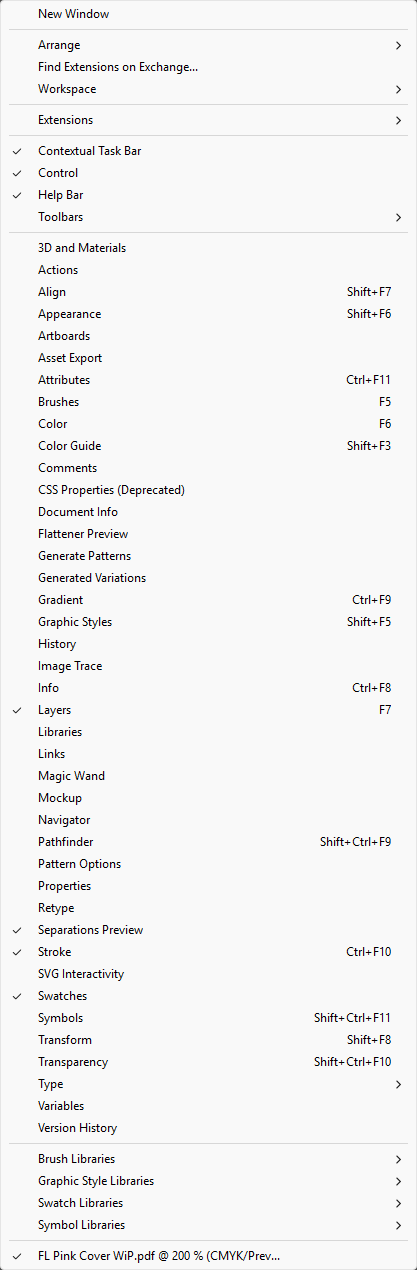
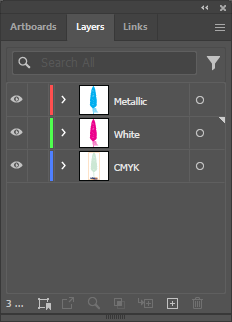
- Spot colors above CMYK: All spot color layers must be positioned above the CMYK artwork in Illustrator's Layers panel for proper print order.
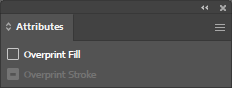
- Overprint both: Critical! Both HP White 1 AND HP Metallic must have Overprint Fill enabled in the Attributes panel.
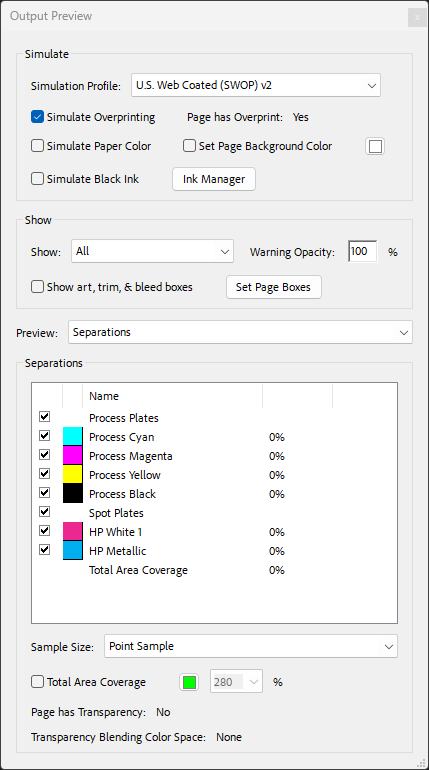
- Verify both separations: In PDF Output Preview, confirm you see both spot color channels (HP White 1 and HP Metallic) listed alongside CMYK.