
About Metallic Ink on Coated Stock
HP Metallic ink creates a silver shimmer effect that adds visual depth to printed artwork. On coated paper, the metallic particles lay flat against the smooth surface, maximizing reflectivity and producing a consistent, elegant metallic sheen throughout the design.
When CMYK process colors are printed over the metallic base layer, they interact with the shimmer to create rich, iridescent effects. The transparent nature of CMYK inks allows the metallic to show through, transforming standard colors into luminous, eye-catching metallic hues.
Why Metallic Ink?
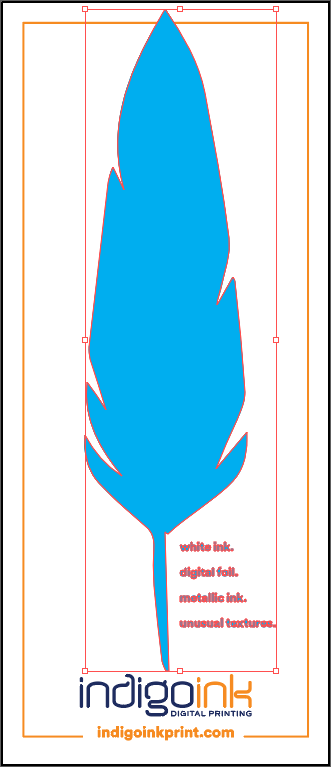
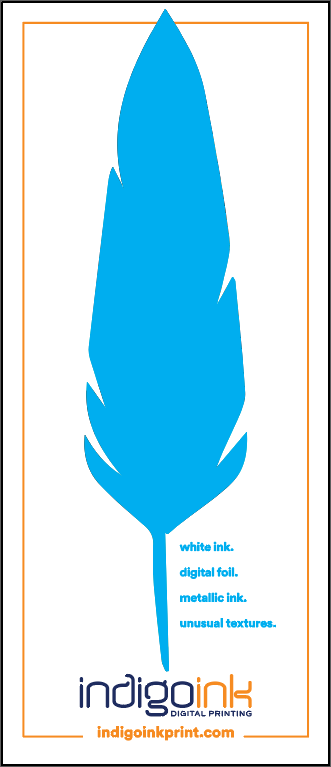
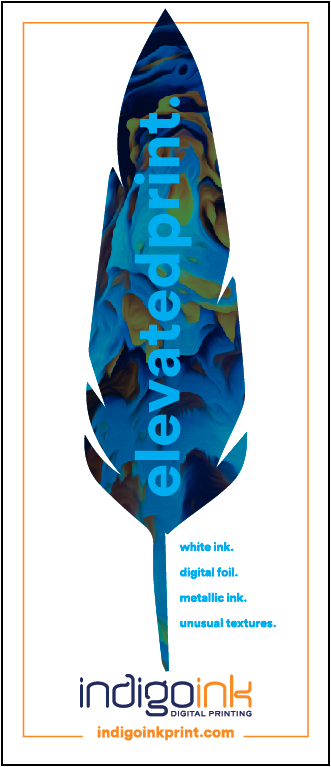
Foil gets most of the attention, so you might wonder why this feather uses ink instead. Metallic ink sidesteps the things that make foil tricky.
First, it's a single-pass process. HP Metallic prints in the same pass as the rest of the image, so it's always in perfect alignment with the CMYK, with no sheet shrinkage between passes to work around. Second, it only needs a little longer in the press, which makes it less expensive than foil and faster to produce. Third, it has a look of its own: tiny aluminum particles scatter light where foil reflects it like a mirror. On coated stock like this silk cover, that shimmer reads smooth and shiny, similar to matte foil, and no white underlayer is needed.
It has limits worth planning for. We can't color-match metallic ink, so if you need a specific metallic color, ask us to print a swatch first; our metallic swatch book has reference builds to start from. Lighter color builds let the most shimmer through, while dark, heavy builds hide it. And like foil, it's easy to miss on thin lines and small text, so give it larger elements to work with.
Best Practices
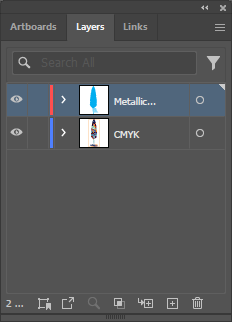
- Layer order is critical: Metallic ink prints first as the base layer, then CMYK overprints on top. In Illustrator's Layers panel, metallic should be above CMYK (top = prints first).
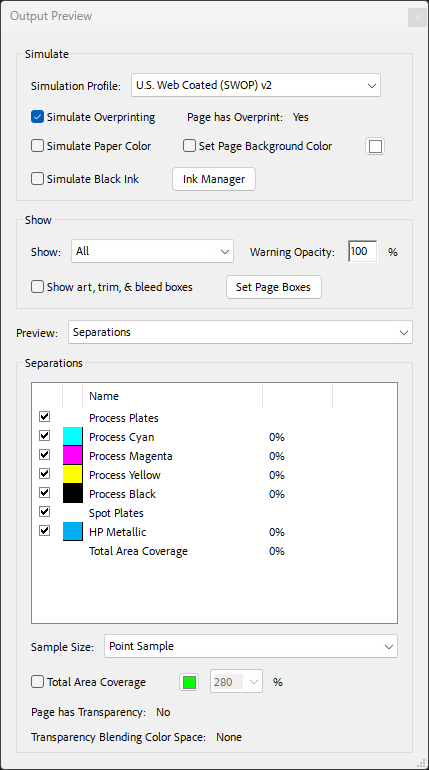
- Overprint settings: HP Metallic must be set to overprint to ensure proper layering with the CMYK artwork above.
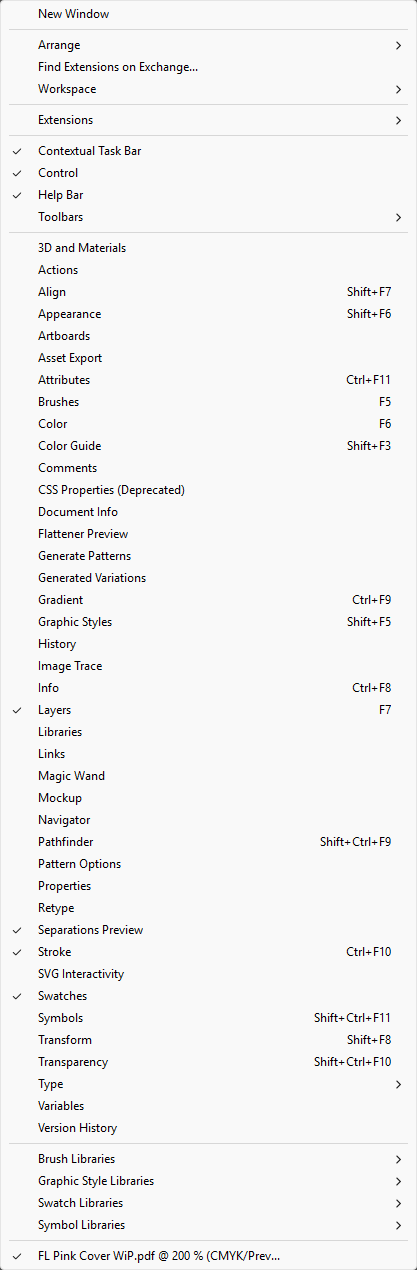
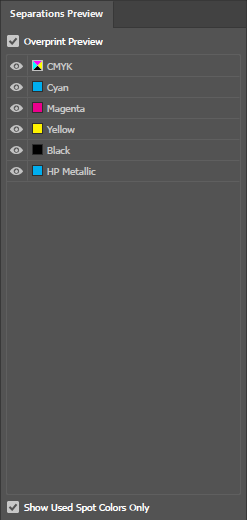
- Verify with Overprint Preview: Always enable Overprint Preview (View menu) to see how the final print will look before exporting.
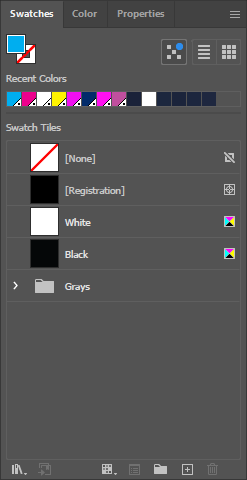
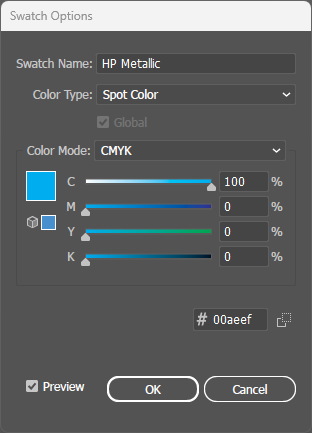
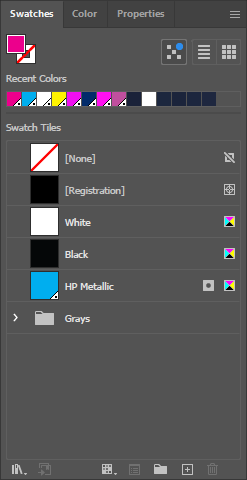
- File setup: Create metallic areas as a spot color named exactly "HP Metallic" - CMYK colors use standard process colors.