

About CMYK Over Foil
Printable silver foil creates a metallic foundation that can be overprinted with CMYK inks. This technique allows for vibrant metallic colors while maintaining precise registration and detail in the printed artwork. The silver base adds a luminous quality to the colors printed on top.
Unlike traditional foil stamping where foil sits on top of printed artwork, printable foil acts as a base layer. The CMYK process colors print directly onto the metallic surface, creating rich, shimmering effects that combine the precision of digital printing with the elegance of metallic finishes.
Why Printable Foil?
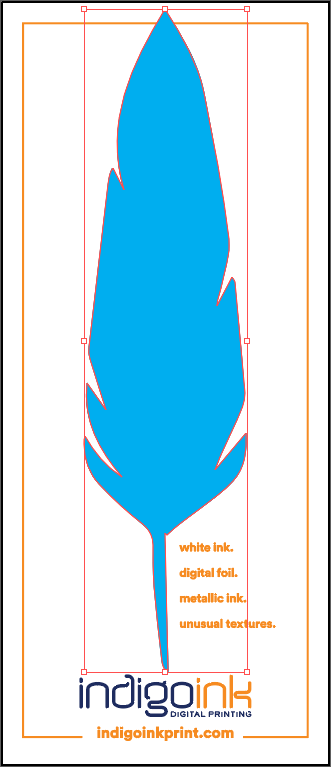
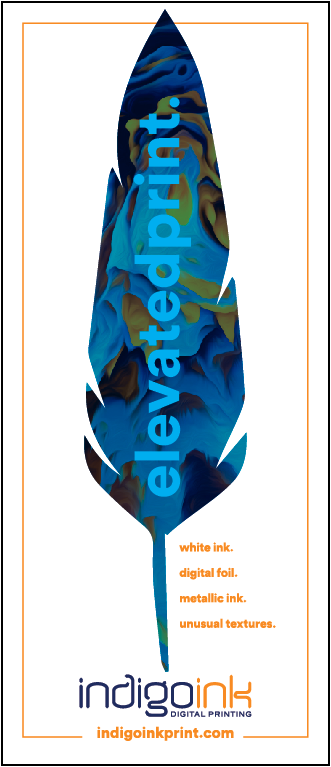
Printing color over silver sounds like a job for metallic ink, so you might wonder why this feather uses foil. Because the two make different kinds of shine.
Foil gives a mirror reflection, while metallic ink's aluminum particles scatter light into a softer shimmer. Printed over foil, full color picks up that high-sheen luster, and the foil's shine comes through the ink to add depth and dimension. Only our silver and gold foils are printable, so one of them is always the base for this effect; the color you print on top can be anything.
It does ask a few things of your design. Foil isn't white, so it darkens and shifts every color printed on it; keep color builds below 200% for the best results. Ink on foil is less durable than ink on paper, so add a UV coating or laminate to anything that will be handled. And because the CMYK goes down in a separate pass after the foil, expect small registration differences between the two. Look closely at this feather and you may spot them. For silver that always lines up with the print, metallic ink goes down in a single pass.
Best Practices
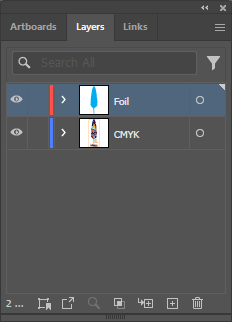
- Layer order is critical: Foil prints first as the base layer, then CMYK overprints on top. The Layers panel should show Foil above CMYK (top-down = print order reversed).
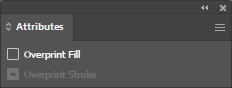
- Overprint settings: HP Foil must be set to overprint to ensure proper layering with the CMYK artwork above.
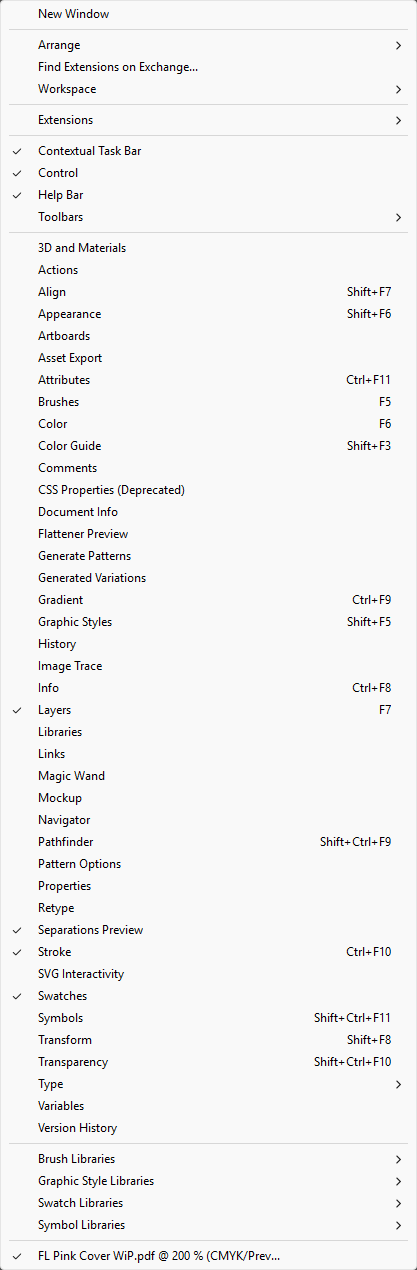
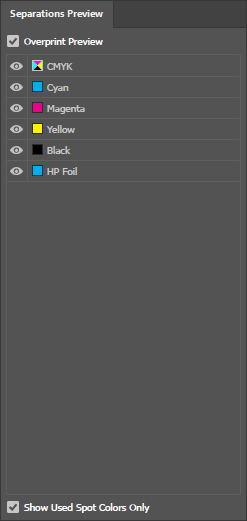
- Verify with Overprint Preview: Always enable Overprint Preview (View menu) to see how the final print will look before exporting.
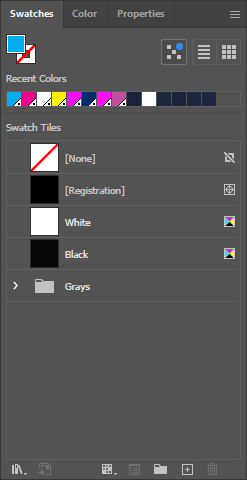
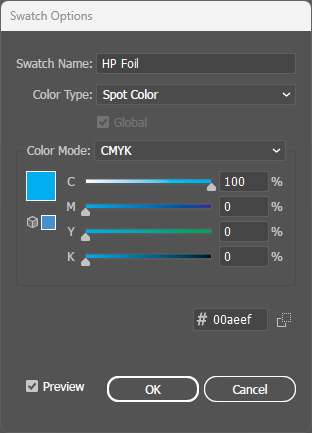
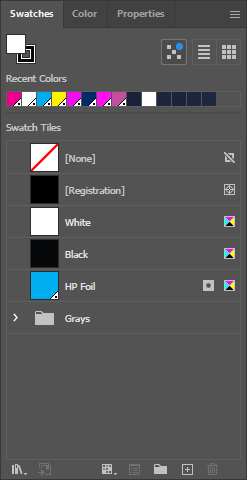
- File setup: Create foil areas as a spot color named exactly "HP Foil" - CMYK colors use standard process colors.
File Setup
Digital Sleeking Foil Colors
Click any swatch to see a detailed sample. Our digital sleeking foil adheres to HP Indigo toner, enabling custom foil designs without costly engraved plates.