What is Bleed?
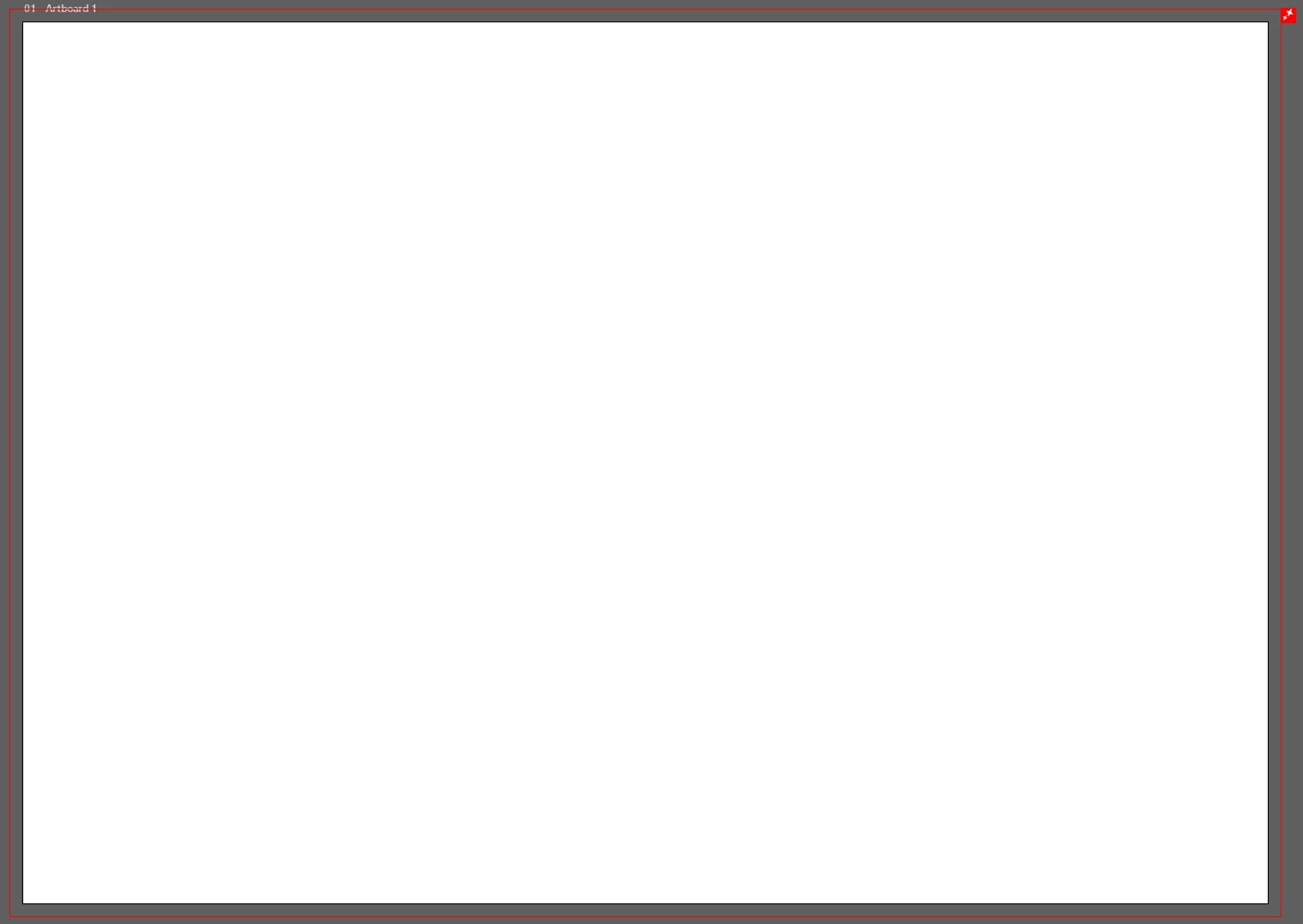
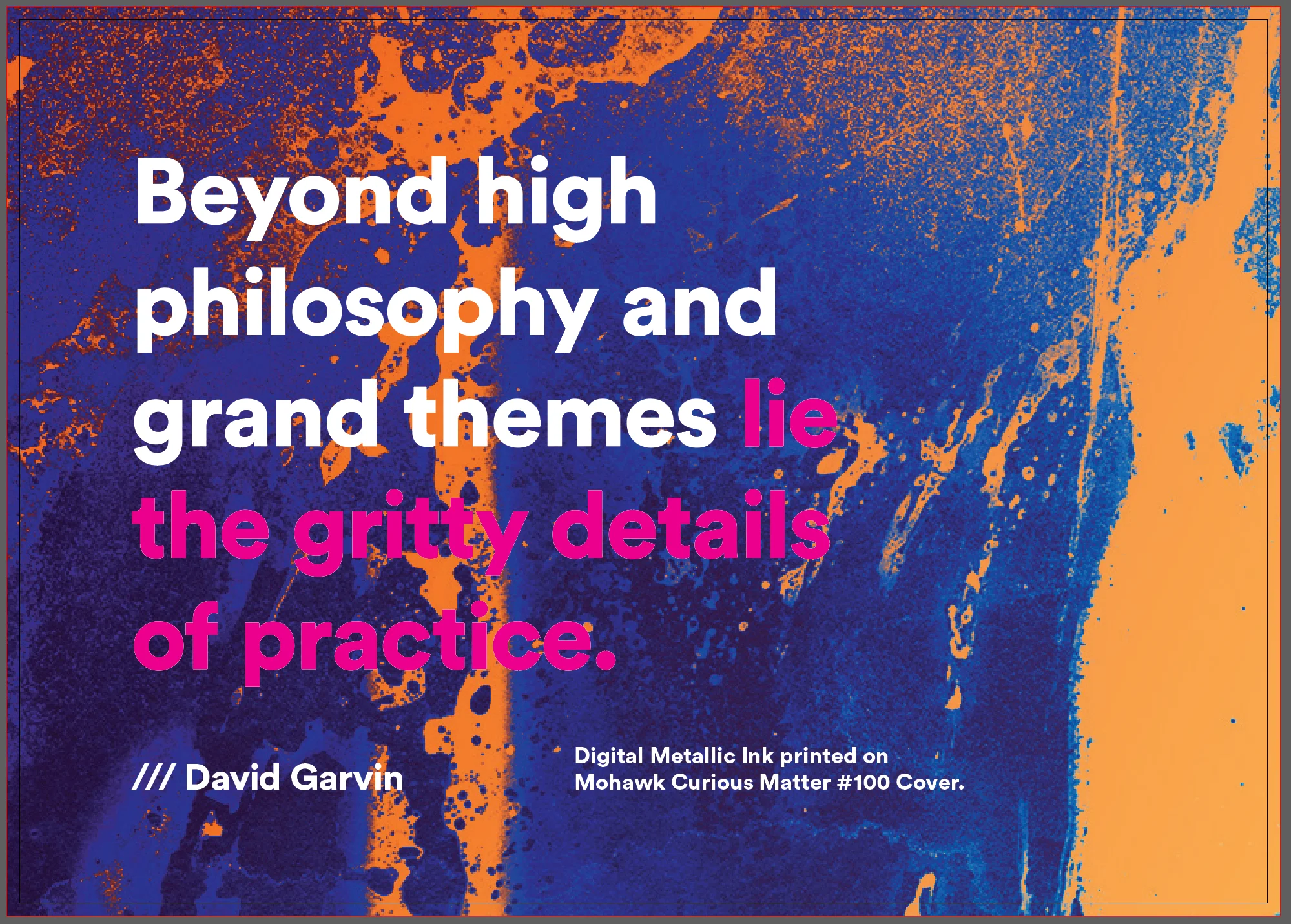
A bleed is printing that extends beyond the edge of where the sheet will be trimmed. It's the extra margin of artwork that gets cut off during the finishing process.
When you want your artwork to go all the way to the edge of your printed piece (called "full bleed"), you need to extend your design past the trim line. This ensures that even if there's slight movement during cutting, you won't end up with unwanted white edges.
Hover to see bleed strips separate
Bleed Calculator
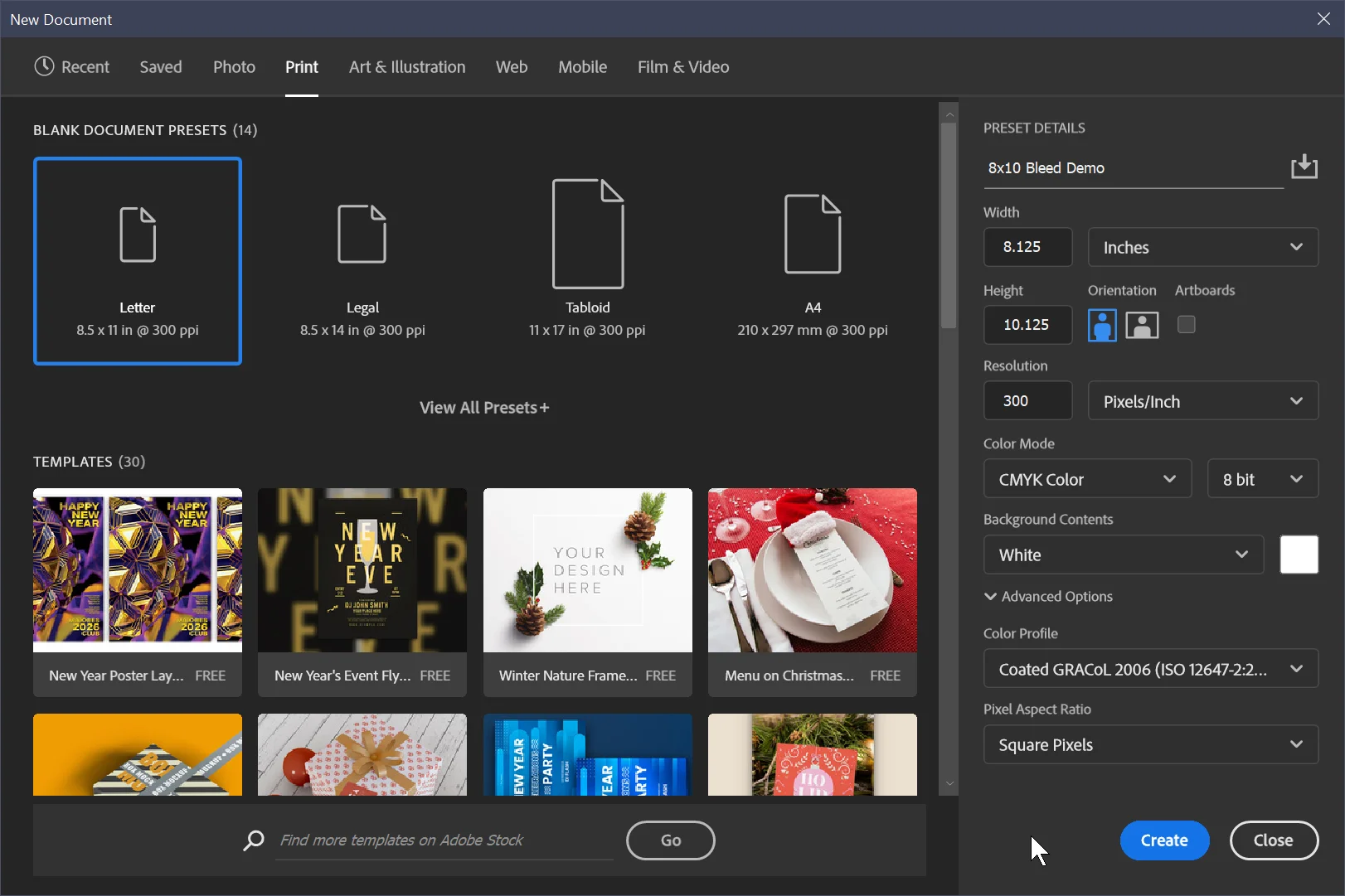
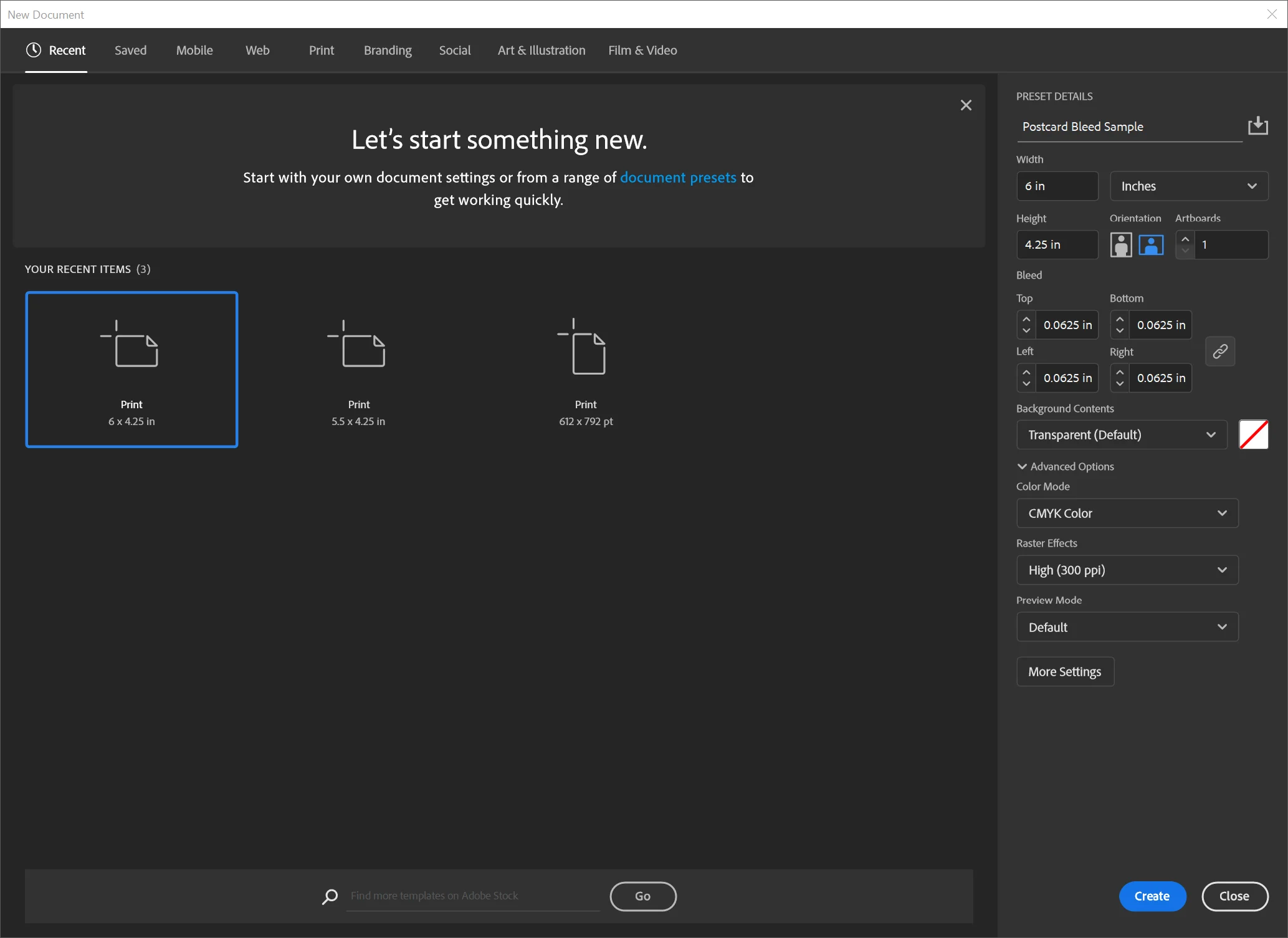
Enter your finished print size below to calculate the document setup size with bleed included.
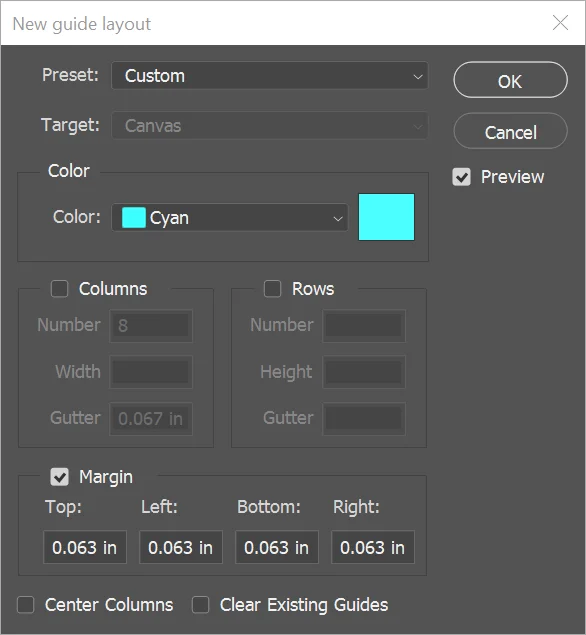
Setting Up Bleed in Your Software
Choose your design application to see step-by-step instructions for setting up proper bleed.
Common Mistakes to Avoid
Not extending backgrounds
Background colors and images must extend to the bleed edge, not just the trim line.
Text too close to edge
Keep all text at least .125" from the trim line (.1875" recommended for safety).
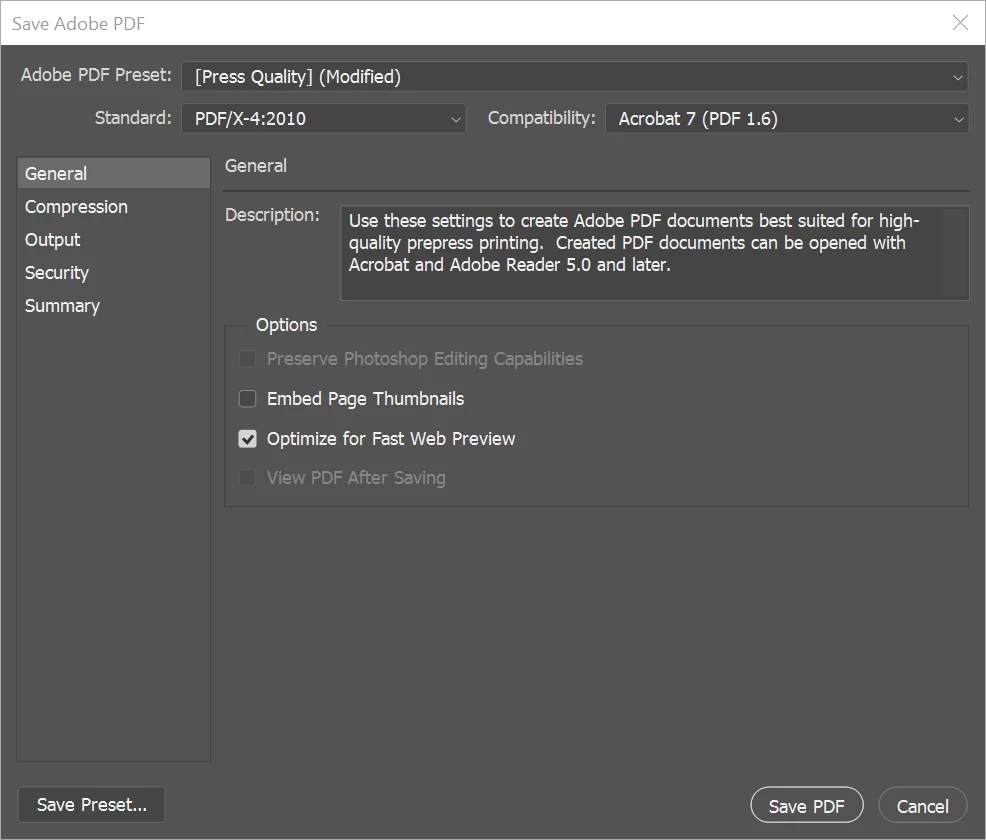
Forgetting to export with bleed
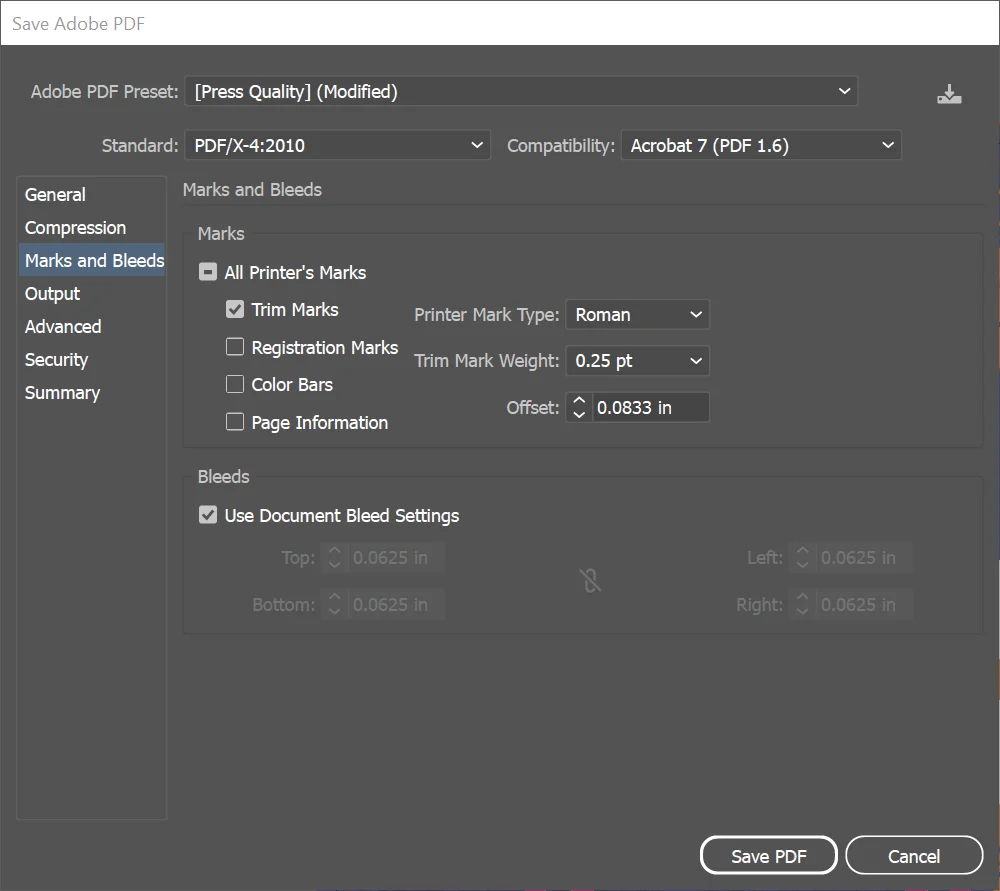
When saving your PDF, always enable "Use Document Bleed Settings" or add bleed manually.
Adding bleed after design
Set up your document with bleed from the start. Adding it later often causes alignment issues.