



About Scratch-Off Technology
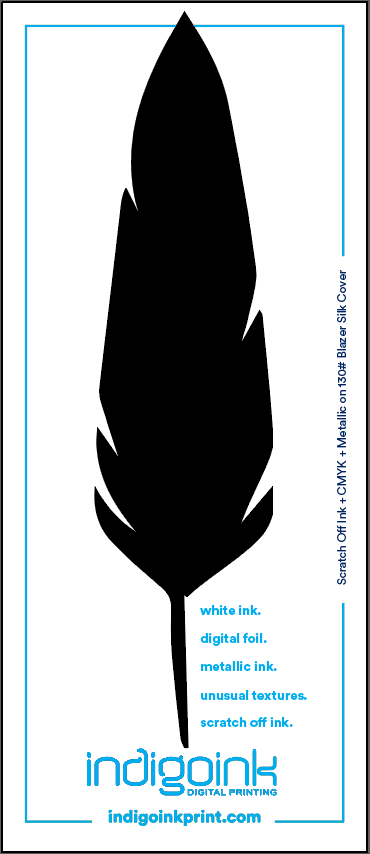
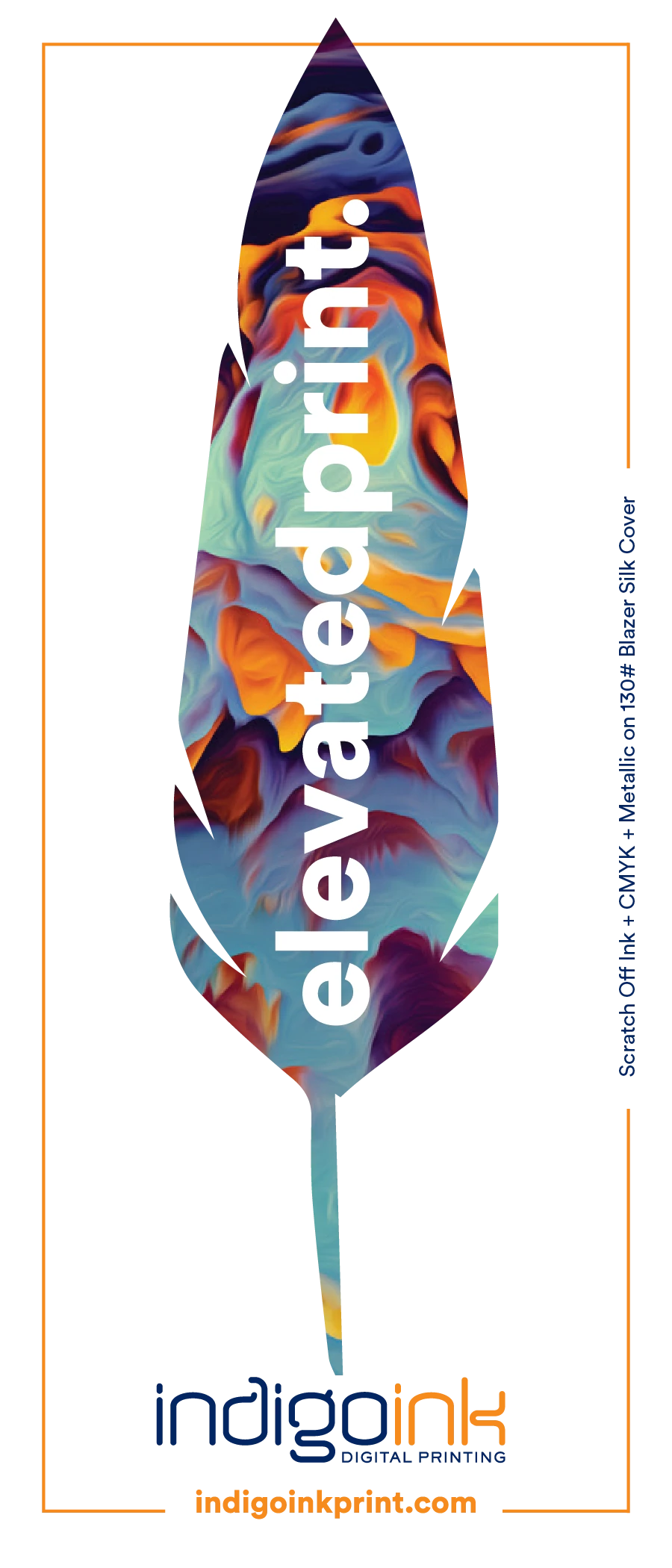
HP Easy Release scratch-off ink creates interactive lottery-style cards and concealed data elements. Unlike traditional scratch-off cards that use metallic foil with limited design options, our digital solution allows for vibrant, full-color designs in both the hidden and visible areas of your piece.
Where traditional methods lock you into fixed metallic foil and rectangular scratch areas, HP EZ Release technology gives you complete creative freedom: full-color scratch surfaces, any shape or pattern, and variable data personalization with no additional setup cost.
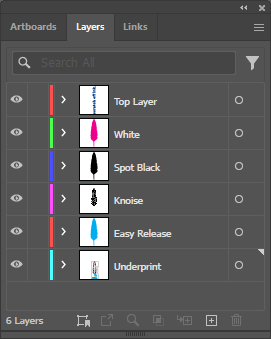
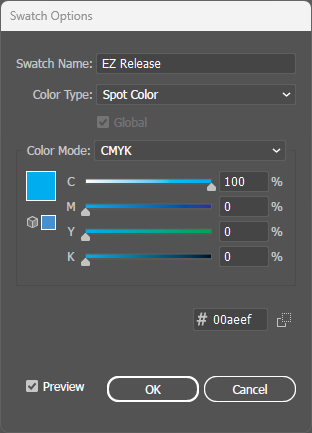
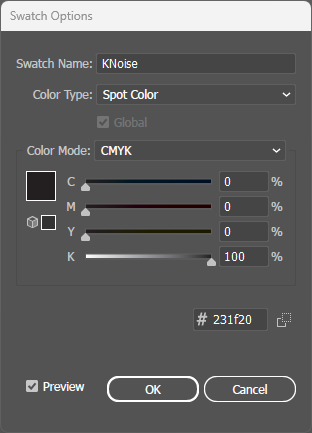
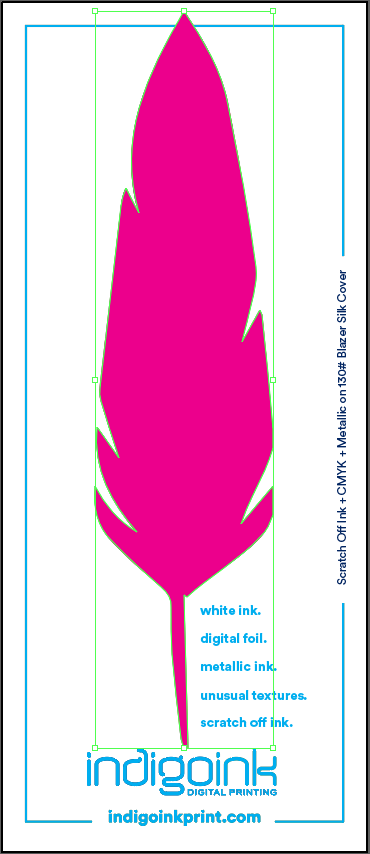
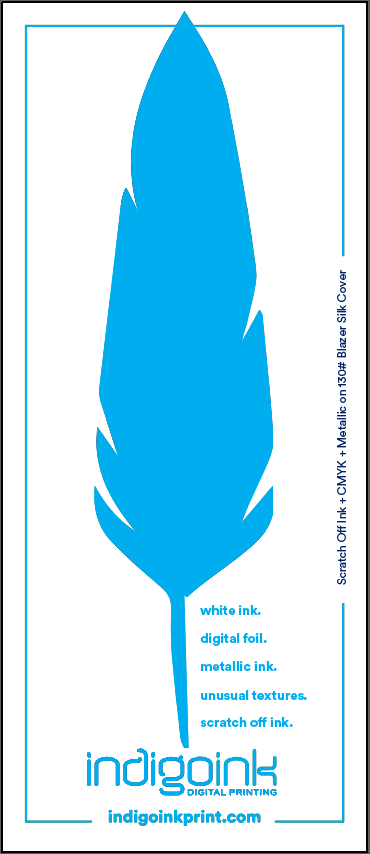
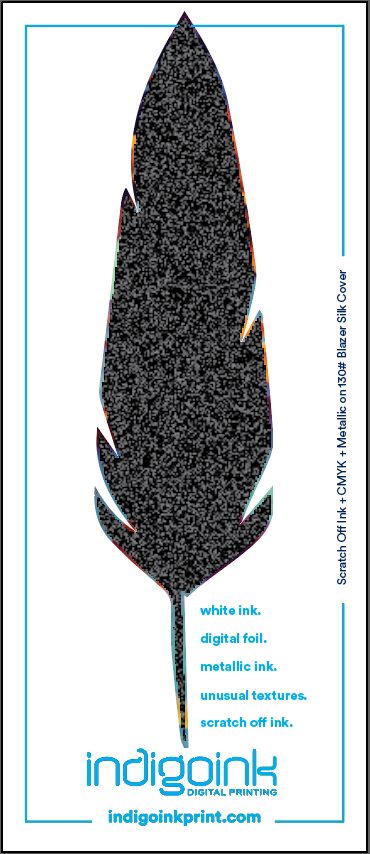
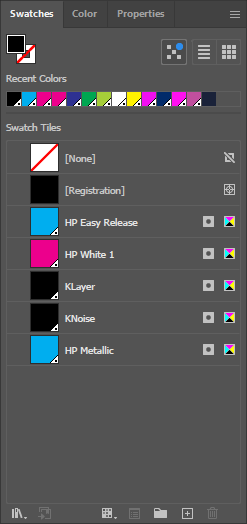
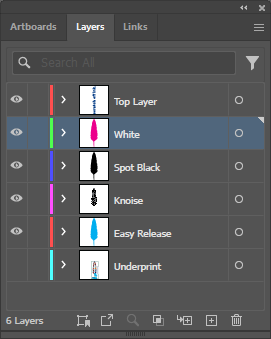
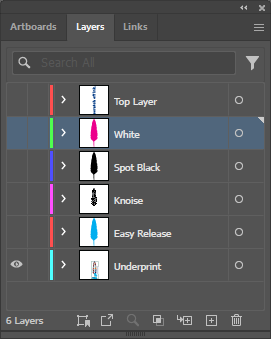
Simpler than it looks: Although scratch-off uses multiple spot colors (EZ Release, KNoise, KLayer, HP White 1), the setup is straightforward—all overprinted layers are the exact same size and shape. Simply duplicate your scratch area shape and assign different spot colors to each copy.
Best Practices
- All overprint layers share the same shape: The scratch area outline is duplicated for EZ Release, KNoise, KLayer, and HP White 1. This makes setup straightforward.
- Export TWO separate files: Stage 1 (underprint/hidden content) and Stage 2 (overprint/scratch layers) are printed in separate passes with varnish applied between.
- Set EZ Release coverage to 64-90%: This range provides optimal scratch behavior. 100% coverage causes premature peeling during normal handling.
- KNoise and KLayer are optional: These layers provide security by blocking light-through reveals. Without them, hidden content may be readable when held up to a light source.
- Enable Overprint Fill on ALL scratch-off layers: EZ Release, KLayer, KNoise, and HP White 1 all require this setting for proper ink interaction.
- Fill the entire hidden area: Don't leave text floating on bare paper. Users can feel texture differences through the coating, revealing hidden content.
File Setup
Choose your design application to see step-by-step instructions for setting up scratch-off layers.